Snippets
Snippets are a useful and flexible way to maintain a collection of text content which can be used virtually anywhere text entry is required — most typically in Letters and Events.
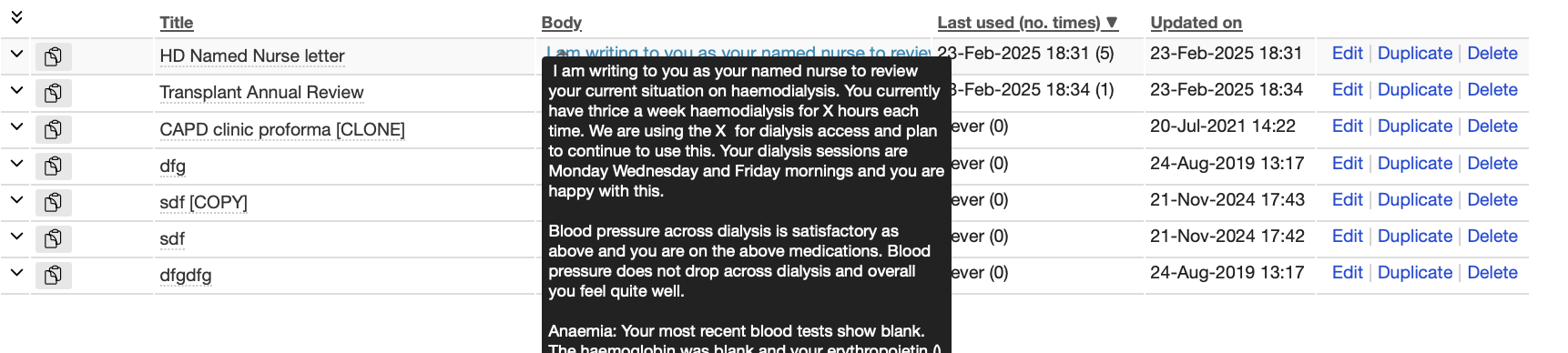
Snippets are managed via the User’s main dropdown menu (see User Functions), where they can be created, edited, duplicated (“cloned”) and deleted. Hovering over a snippet title in the list gives a preview of the content:
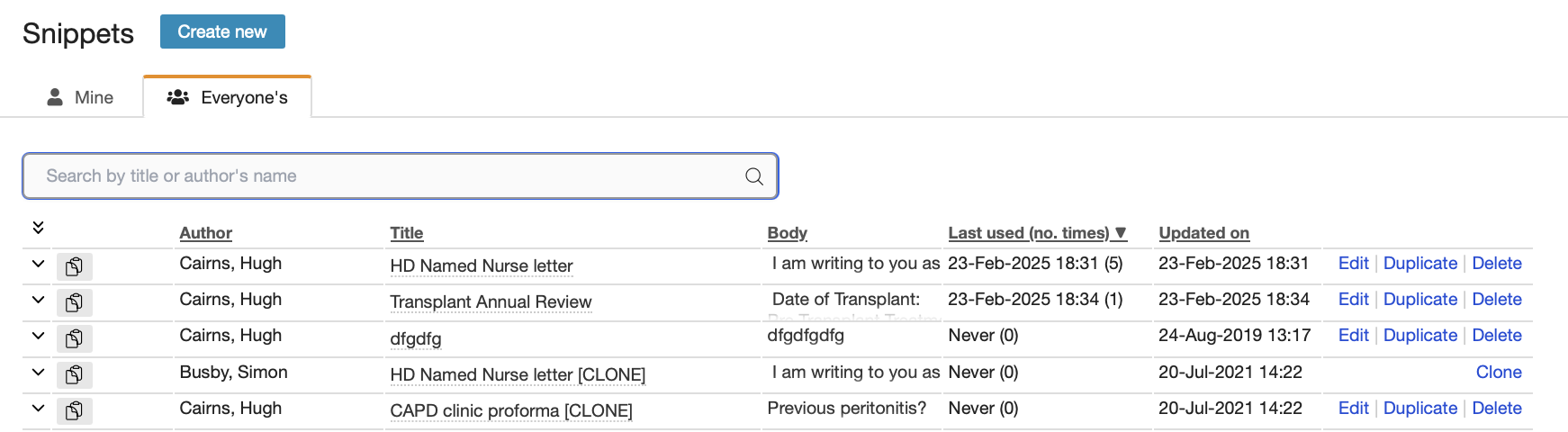
To avoid having to create common snippets (e.g. Letter templates) from scratch, each user has access to the entire list of snippets created by all users. These can then be added (and edited if need be) to a user’s own collection.
Forms where the use of snippets is enabled will have the “Insert snippet” option at right:

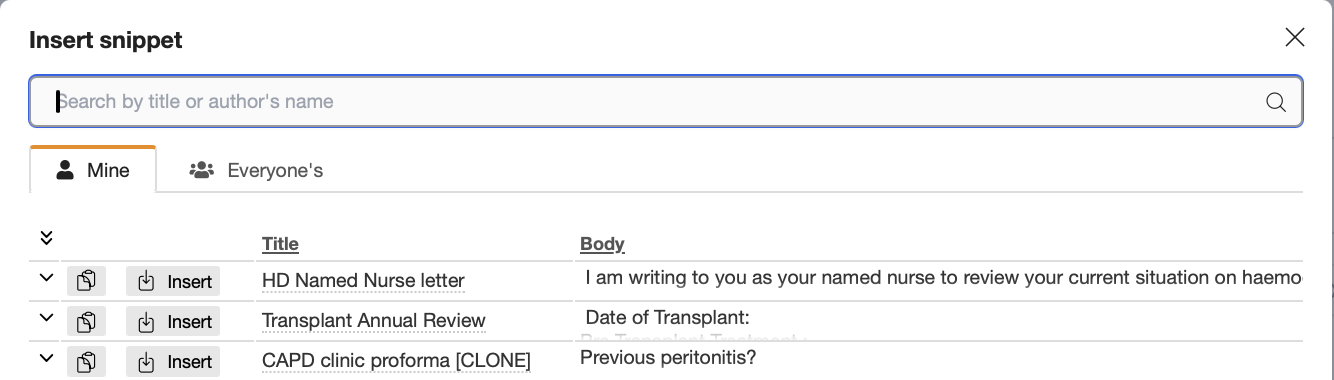
Choosing this option will produce a pop-up window with searchable Snippets lists:
It is best regularly to prune the list of snippets to remove obsolete ones and reduce the list size.