Prescriptions
The main Prescriptions screen for a given patient can be accessed from the Clinical Summary or from the left gutter at any time.
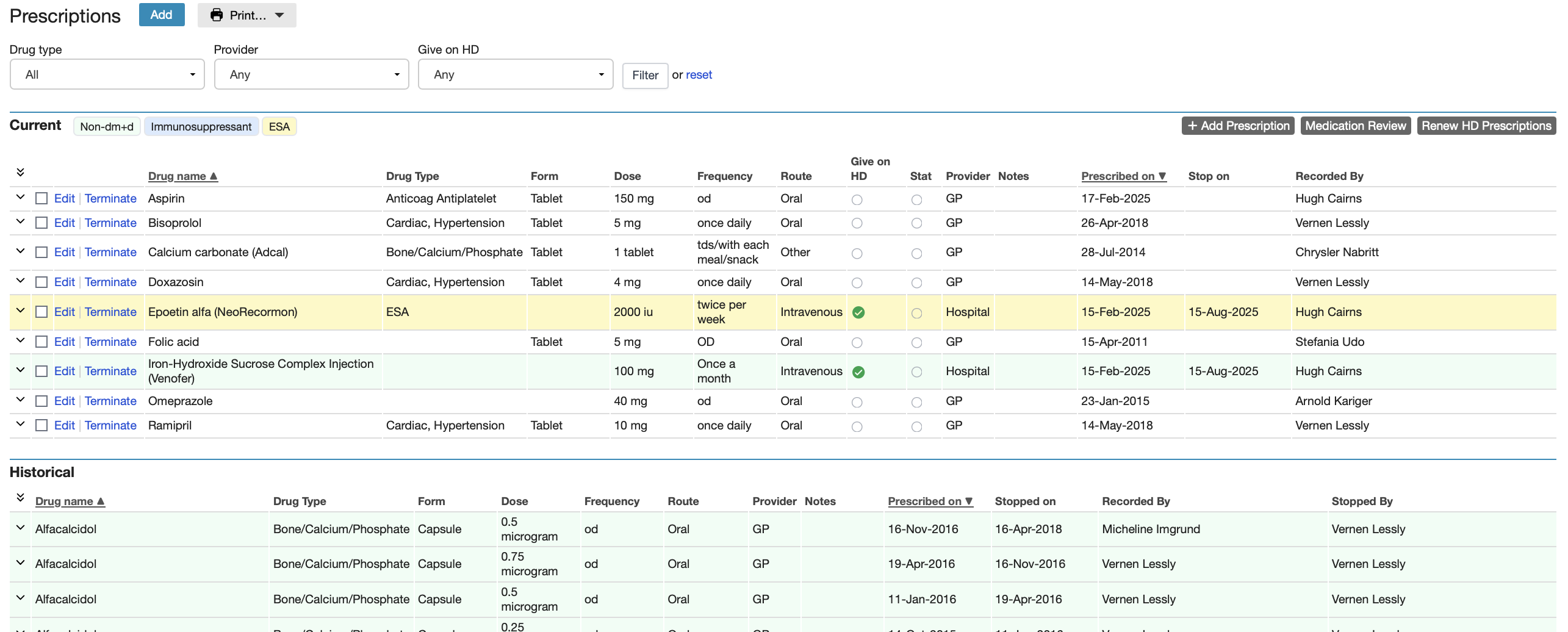
Filtering Prescriptions
The Prescriptions screen includes a filtering option to enable display of only one class of drugs (e.g. anti-hypertensive agents). Use the dropdown options to select the desired filter(s).

Filters act on both the current and historical prescriptions.
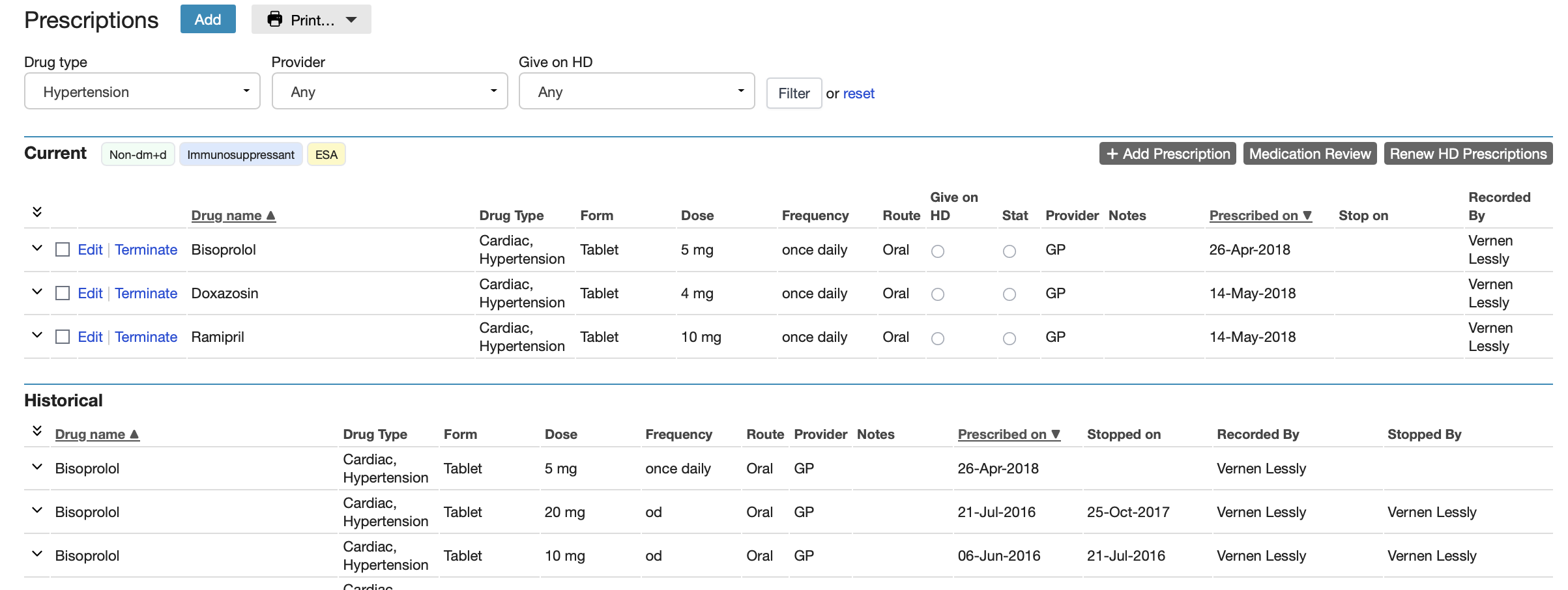
This is a powerful tool to use with those who have been on a variety of drugs over long periods of time, as is the case with many long-term renal patients.
Adding Prescriptions
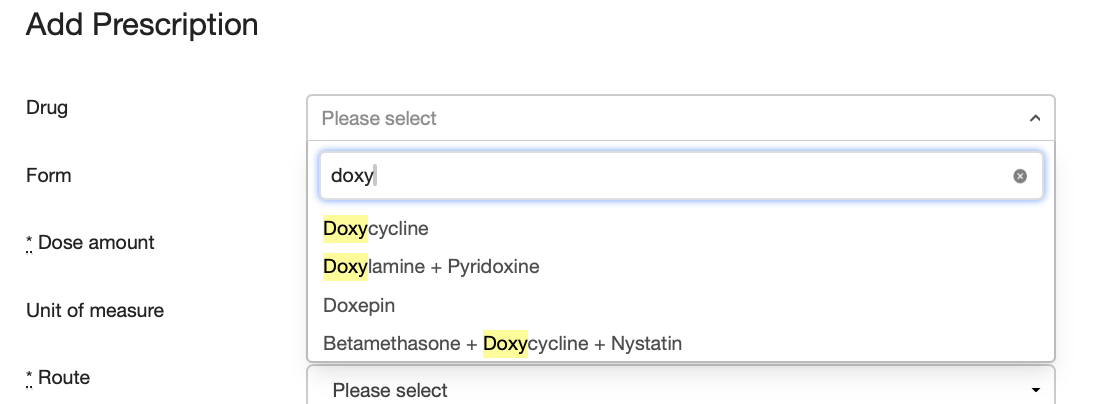
Renalware uses the dictionary of medicines and devices (dm+d) from NHS England so drugs are chosen from a searchable drop down list. The item thus selected then displays possible drug forms and routes of administration.
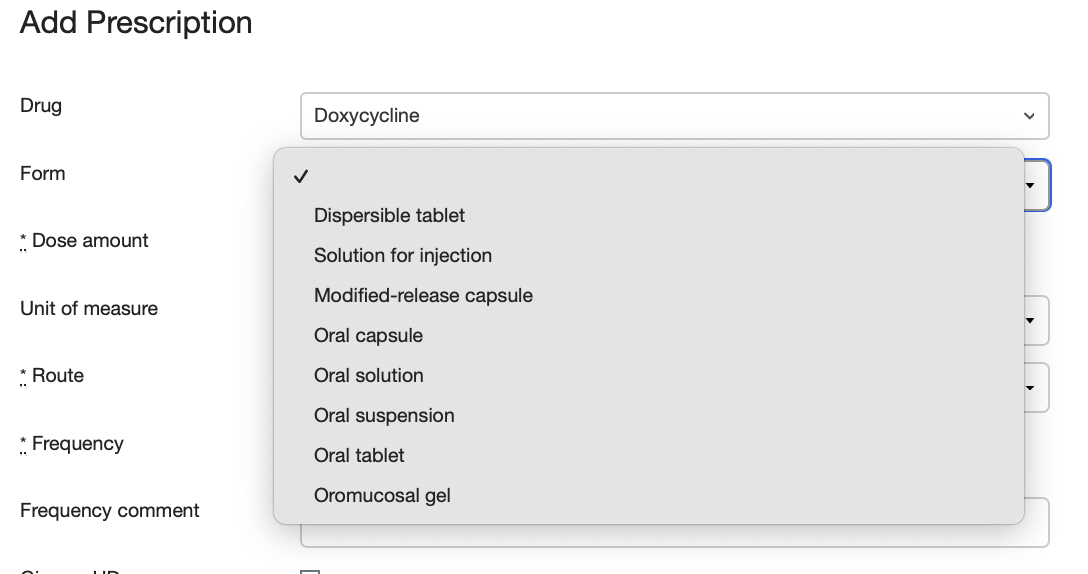
Each drug has a Start Date and a Stop Date can be entered if required. Drugs can be recorded to be given on HD although this option is only available to Users who are allowed to prescribe on HD.
Any drug which is terminated then appears in the historical Prescriptions section and the display can be filtered to show only certain classes of drugs (see above). Note that if the dose of a medication is changed, the previous prescription is displayed in the historical list.