Left Gutter
When a patient has been selected, a selection of screens and functions related to that patient is displayed in the left gutter with General Clinical Summary at the top and covering Modalities, Transplantation and specialist functions such as add or remove Bookmark or Worry or Send a Message. The Left Gutter can be toggled (hidden or displayed) by clicking on the 3 vertical dots to the left of the patient’s name.
Note that some of the patient options depend upon various hospital site settings and the patient’s modality history.
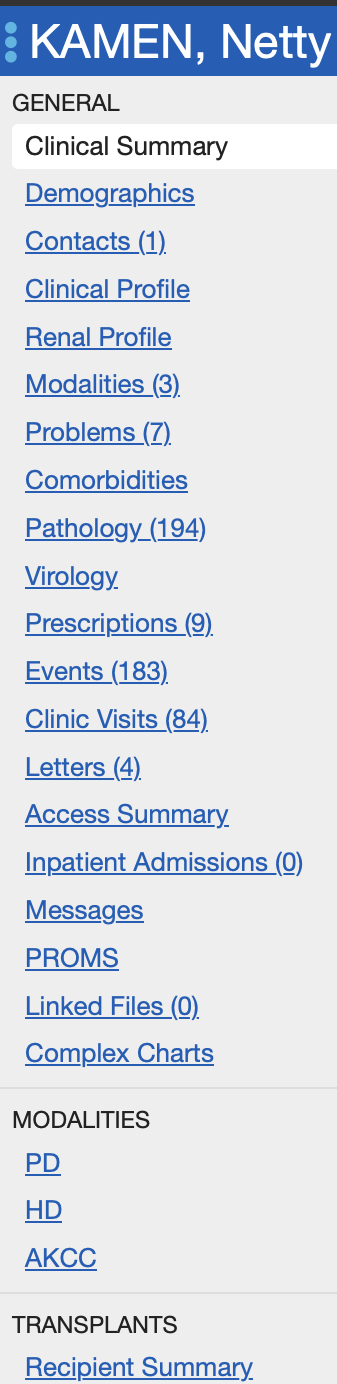
Left Gutter displaying patient options
At the bottom of the left gutter are additional patient options and other actions:
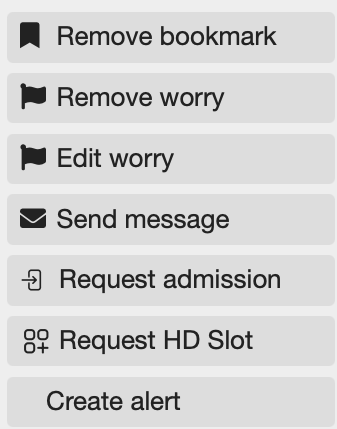
Additional left gutter patient tools